The habit tracker that can't phone home
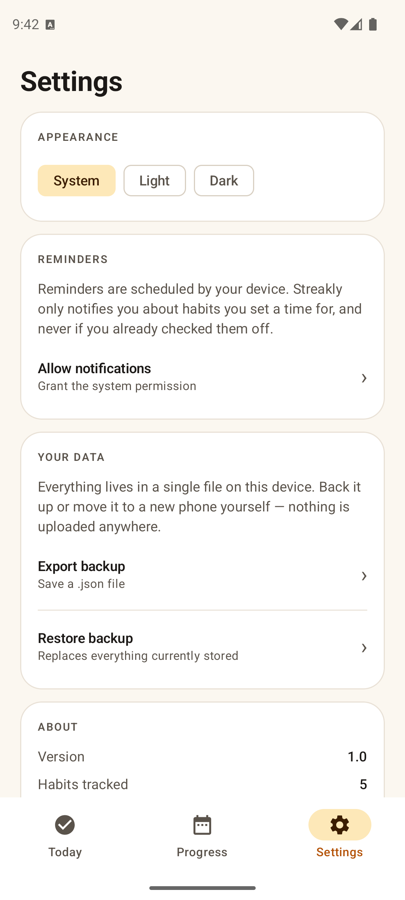
Streakly tracks your habits and streaks entirely on your phone. It declares no internet permission at all — so it is not that it doesn't send your data, it's that it cannot.
Offline by construction, not by setting
Most “offline” apps ship with the INTERNET permission and simply choose not to use it right now. Streakly does not request it, so there is no network code path to audit and nothing to trust me about. Pull the app bundle and read the manifest, or check the data-safety card on the Play listing. Your habits live in one file in the app's private storage and are deleted when you uninstall.
Today, at a glance
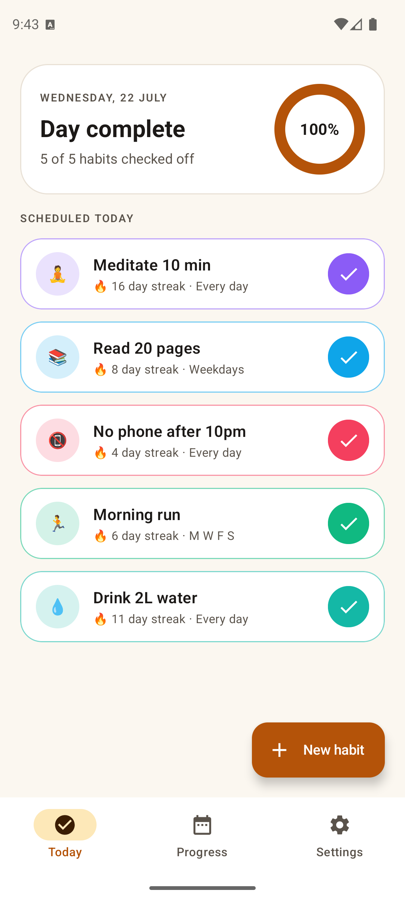
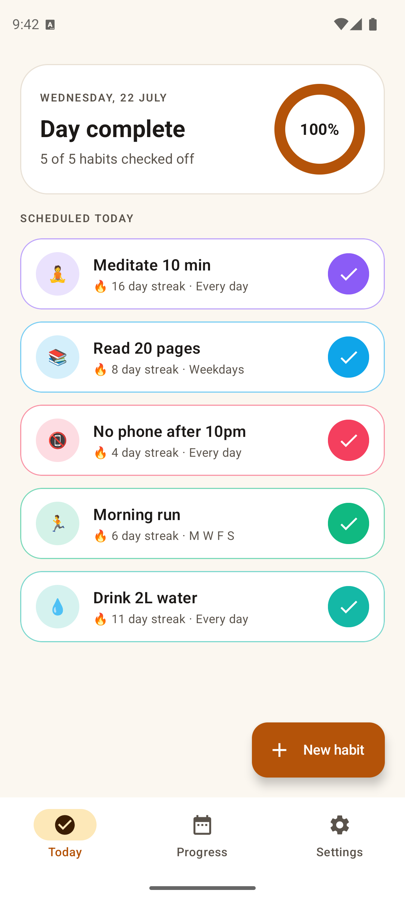
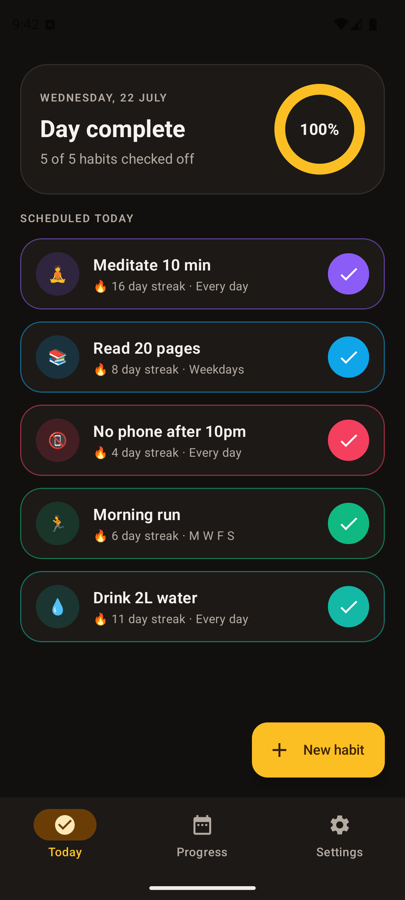
Every habit due today in one list. One tap to tick it off, or a −/+ stepper for counted ones.
A streak you don't have to lie to
Daily-streak apps turn one bad Tuesday into a zero, and the honest response to that is to stop opening the app. Streakly counts the thing you actually care about.
Count weeks, not days
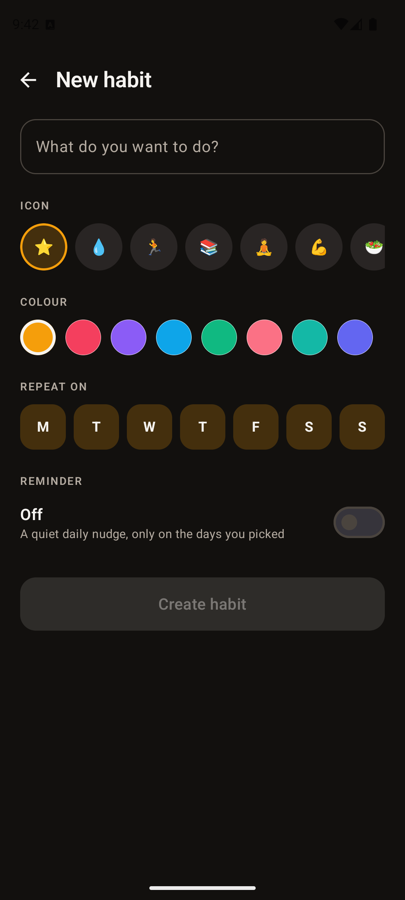
Set a habit to “3× a week” and the streak counts weeks that hit the target. A missed Tuesday costs nothing if Thursday and Saturday happen.
Freeze a day
Genuinely ill, or travelling? Freeze the day and it neither breaks the streak nor extends it. Pause a habit for a week when life needs it.
Today is a grace day
An unchecked habit never breaks your streak until the day is actually over. No 11pm panic notification.
Weekday-aware
A weekdays-only habit doesn't lose its streak over the weekend, because the weekend was never scheduled.
Counted habits
Targets with units — “8 glasses”, “30 minutes”, “10,000 steps”. Partial days show their progress everywhere.
Your watch can drive it
Through Health Connect: steps, exercise minutes, sleep, hydration, mindful minutes. Health Connect is on-device, so this works with no network access.
Everything is in the app
18-week heatmap
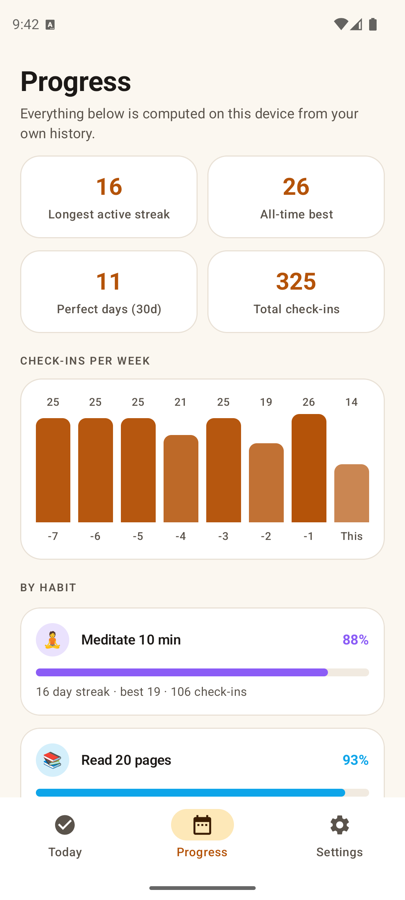
Months of history per habit, plus a month calendar with partial-day shading and day notes. Tap a square to backfill.
Home-screen widget
Today's progress and up to four habits you can check off without opening the app.
Reminders with buttons
Up to three per habit, carrying Mark done / +1 and Snooze. Never fires for something already done, frozen or paused.
Real accessibility
Every control has a spoken label and role. Charts and heatmaps summarise as a sentence instead of 400 unlabelled squares.
Badges and confetti
14 derived badges, and confetti on milestones and perfect days. Turn it off if you'd rather it didn't.
Your data as a file
Export a JSON backup through the system file picker and restore it on a new phone. Leaving is as easy as arriving.
Nothing to opt out of
- ✓No
INTERNETpermission in the manifest — verifiable by decompiling the bundle. - ✓No account, no sign-up, no email address.
- ✓No ads, no analytics, no crash reporting, no third-party SDKs.
- ✓No location, no storage permission, no advertising ID.
- ✓Health Connect reads are on-device, read-only, and one metric at a time.
- ✓Uninstalling deletes everything, because everything is one local file.
Read the full privacy policy.